Table of Contents
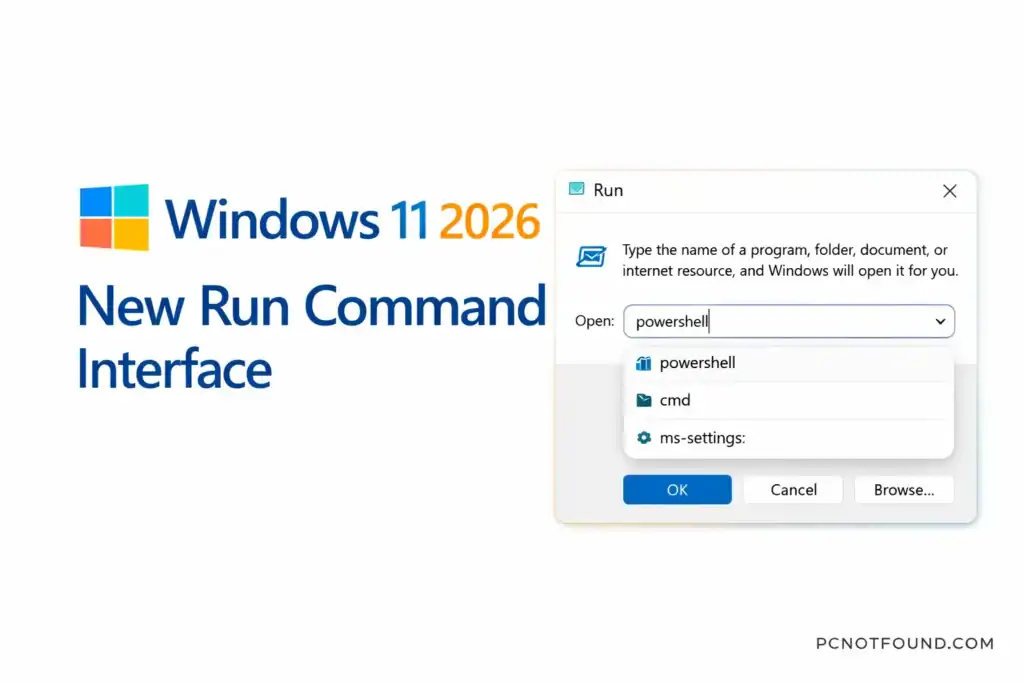
Microsoft Continues refine Windows 11 regular updates, and Also 2026 Run Command Interface update is one of the most notable recent changes. This update brings a redesigned Run dialog interface, improvements in usability, and integration with modern Windows features — making it easier and faster for users to launch commands.
New Windows Run command has been one of Microsoft Windows’ most useful tools for power users and IT professionals. With this update, Microsoft has modernized its look and feel to better and also match the Windows 11 design, language and user expectations.
What’s New in the Windows 11 2026 Run Command Update
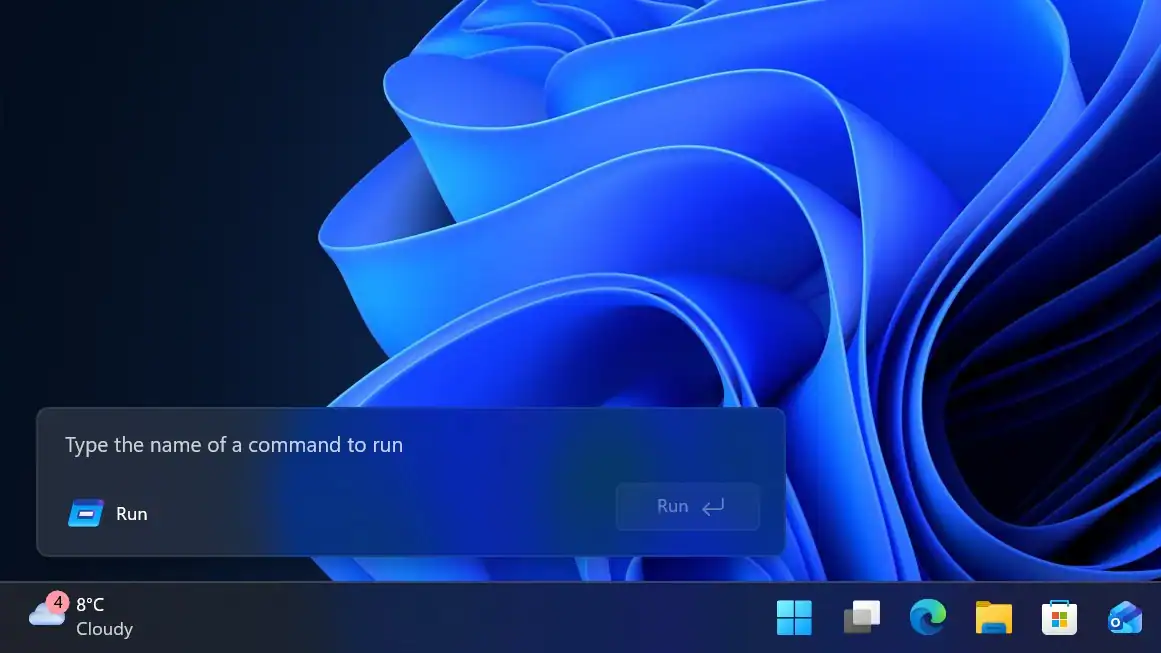
Refreshed Visual Design
This Update Run Dialog follows Windows 11 Modern User interface
- Rounded Corners
- fluent Design effects
- Improved animation Effects
- clear Typography
Quick launch Suggestions
this Run Command Update may Include
- Auto Suggestion for frequently Used Commands
- Recent history Suggestion
- Intelligent predictions based on usage patterns
Enhanced search Integration
The Run interface has better integration with Windows Search
- Search Result now Appears inline
- apps and system command suggestions are shown together
- User may access settings directly from the Run dialog
Support for modern System Path
The update improves how Run handles:
- New Shell command shortcuts
- Windows PowerShell and Terminal alias execution
- Apps URI schemes (e.g., ms-settings:, edge:)
How to Access the Updated Run Command
Method: 1 Keyboard Shortcut
- Press Windows + R
- This Command Open the Updated Run command
Method: 2 start menu Search
- Open the start menu Type ‘RUN’
- Select Run command app from search Result
Here are Some Common Command you can type:
| Command | What It Does |
|---|---|
cmd | Opens Command Prompt |
powershell | Opens PowerShell |
ms-settings: | Opens Settings |
control | Opens Control Panel |
Why this update Matter for Everyone
this Run command is one of Windows’ most efficient tools, especially for::
- Power Users
- System Administrator
- Developers
- IT Support

the founder and CEO of pcnotfound.com. He is a professional computer hardware and software expert with over 8+ years of hands-on experience in troubleshooting, system repair, Windows issues, and technical diagnosis