
command tools Microsoft Dev Channel Run command Windows 11 new features Windows features Windows power users Windows productivity Windows Run dialog Windows shortcuts
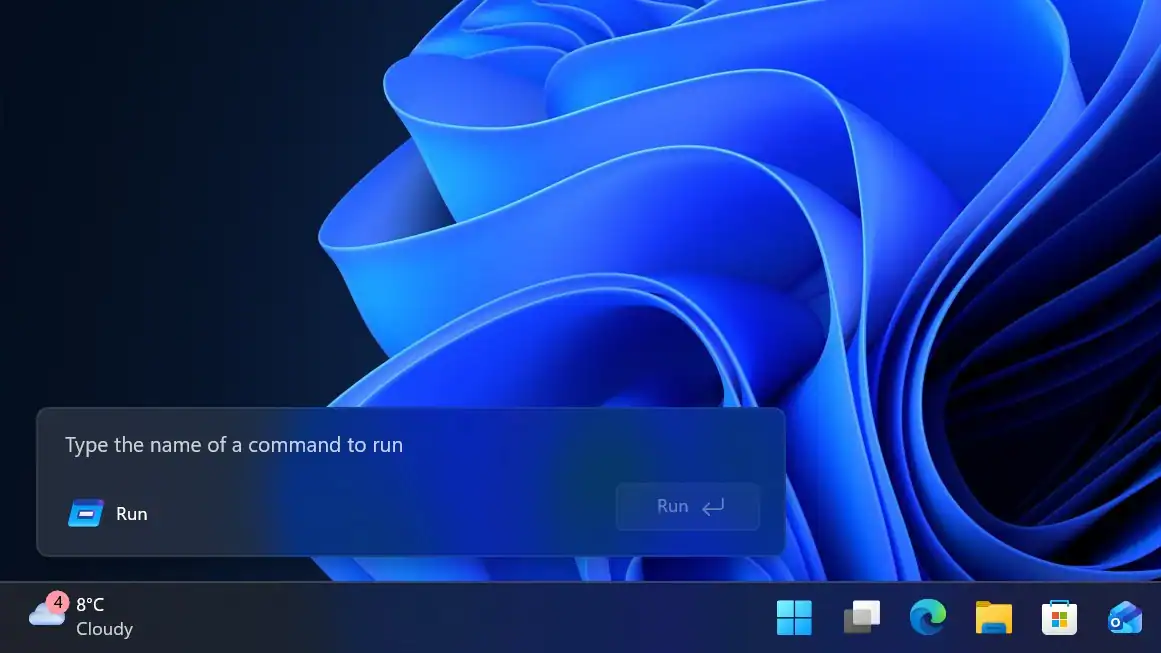
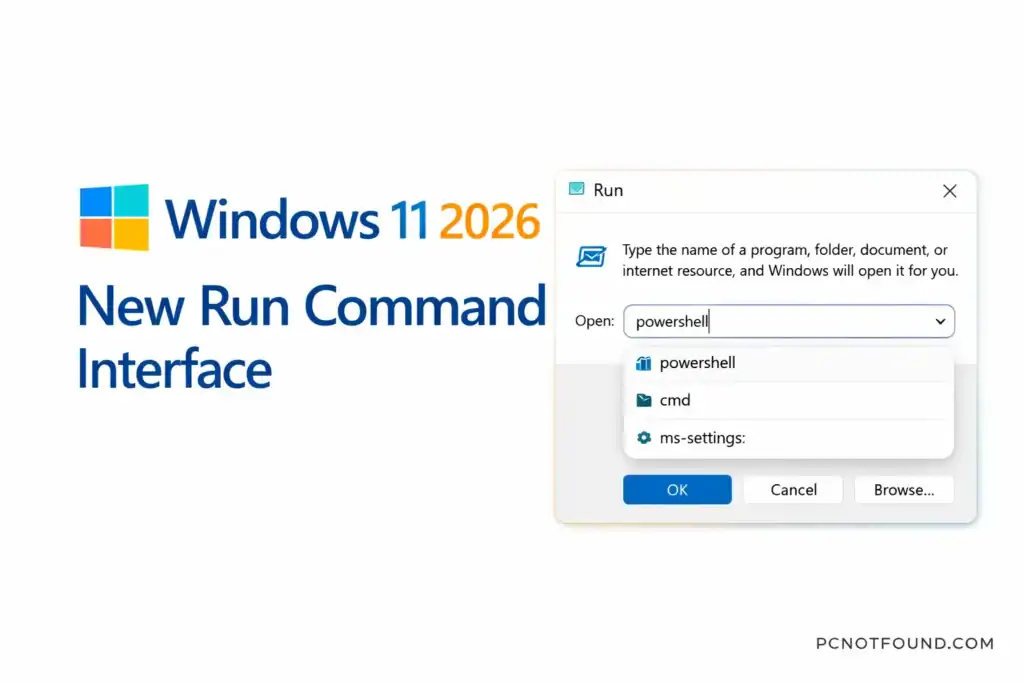
Microsoft Continues refine Windows 11 regular updates, and Also 2026 Run Command Interface update is one of the most notable recent changes. This update brings a redesigned Run dialog interface, improvements in usability, and integration with modern Windows features — making it easier and faster for users to launch commands.
New Windows Run command has been one of Microsoft Windows’ most useful tools for power users and IT professionals. With this update, Microsoft has modernized its look and feel to better and also match the Windows 11 design, language and user expectations.
Refreshed Visual Design
This Update Run Dialog follows Windows 11 Modern User interface
Quick launch Suggestions
this Run Command Update may Include
Enhanced search Integration
The Run interface has better integration with Windows Search
Support for modern System Path
The update improves how Run handles:
Method: 1 Keyboard Shortcut
Method: 2 start menu Search
| Command | What It Does |
|---|---|
cmd | Opens Command Prompt |
powershell | Opens PowerShell |
ms-settings: | Opens Settings |
control | Opens Control Panel |
Why this update Matter for Everyone
this Run command is one of Windows’ most efficient tools, especially for::
the founder and CEO of pcnotfound.com. He is a professional computer hardware and software expert with over 8+ years of hands-on experience in troubleshooting, system repair, Windows issues, and technical diagnosis
We use cookies to improve your experience on our site. By using our site, you consent to cookies.
Manage your cookie preferences below:
Essential cookies enable basic functions and are necessary for the proper function of the website.
These cookies are needed for adding comments on this website.
Statistics cookies collect information anonymously. This information helps us understand how visitors use our website.
Google Analytics is a powerful tool that tracks and analyzes website traffic for informed marketing decisions.
Service URL: policies.google.com (opens in a new window)
SourceBuster is used by WooCommerce for order attribution based on user source.
You can find more information in our PRIVACY POLICY and PRIVACY POLICY.