
AI App Builder AI Coding Tools AI Development Android App Development Build Android Apps Google AI Studio Mobile App Development Prompt Engineering
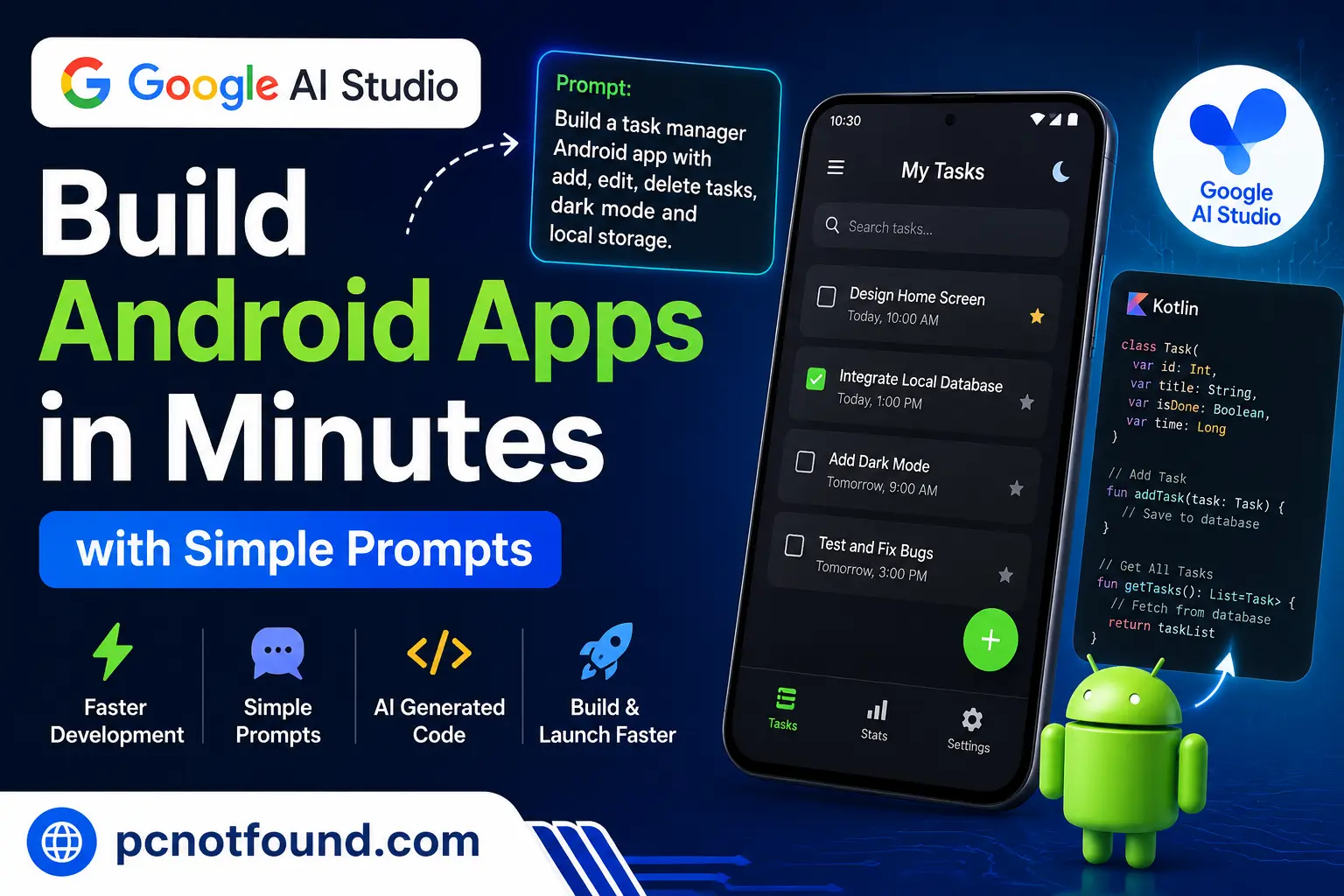
Learn How to build Android app Prototypes Using Google AI Studio With Simple Prompts. Explore AI-Powered development workflows, benefits, and best practice ever.
Android apps development traditionally required hours of coding, UI design, debugging, and testing. But AI-assisted development is changing how developers and creators turn ideas into Working Applications.
With Google AI Studio, Developers can experiment with prompts, generate code, prototype features faster, and accelerate Android app workflows using Modern AI Capabilities.
If you're a beginner building your first mobile app or an experienced developer reducing development time, prompt-driven development is becoming a practical way to move from concept to Learn Coding Quickly.
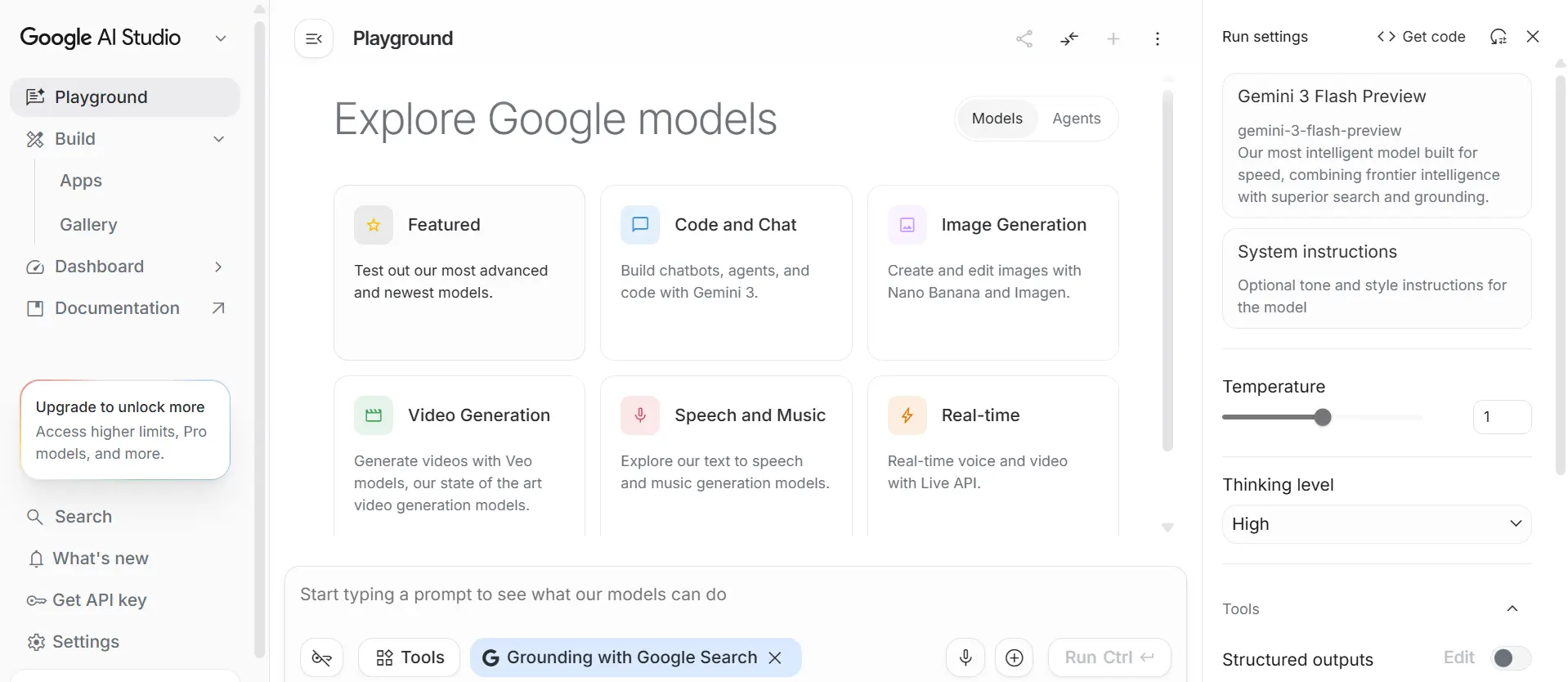
Google AI-Studio is an AI development environment from Google designed for experimenting with generative AI models and building Application Using AI- Powered .
Its Also Allowed Developers to:
Generate starter screens, logic, and ideas in minutes.
Spend less time writing repetitive structures.
Try multiple app concepts without building from scratch.
Beginners can understand architecture by reviewing Generated Code.
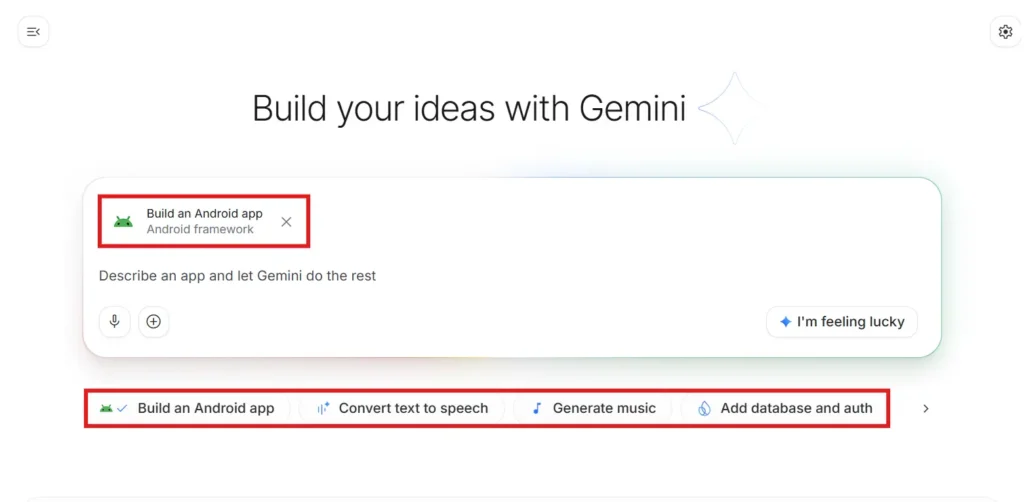
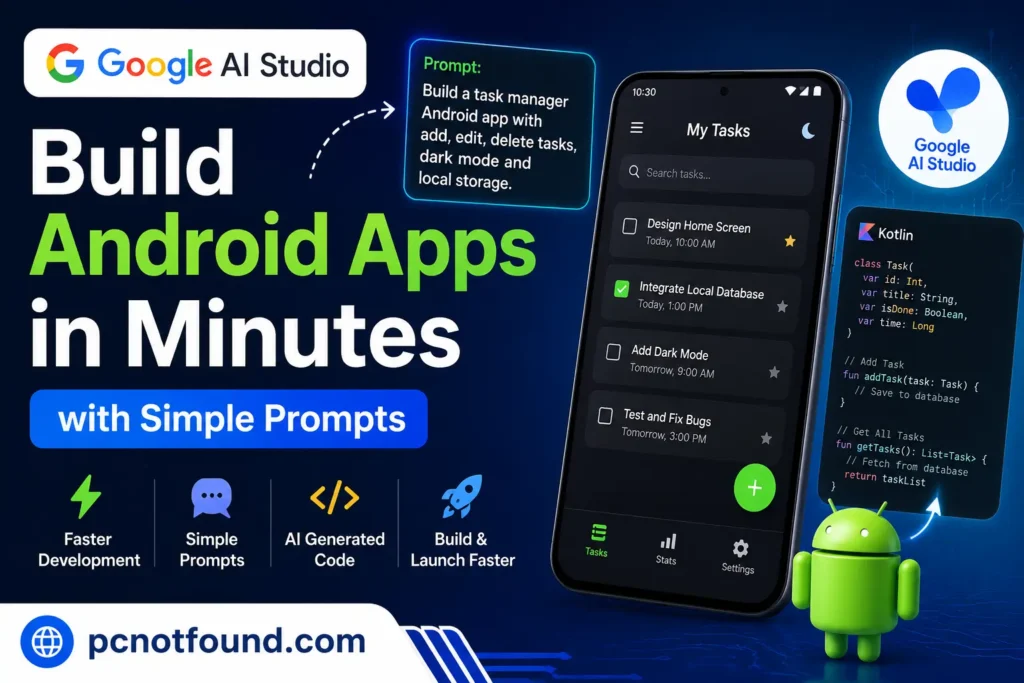
Build an Android task manager app with:
Material Design UI
Add/Edit/Delete tasks
Dark mode
Local storage
Kotlin support
Tools like Google AI Studio make it easier to move from an idea to a working prototype while reducing repetitive work.
Developers who learn effective prompting today may gain a meaningful advantage as AI-enhanced development becomes more common
Building Android apps no longer starts with hundreds of lines of code. With clear prompts and AI-assisted workflows through Google AI Studio, developers can explore ideas faster, iterate more often, and focus more energy on creating better user experiences.
the founder and CEO of pcnotfound.com. He is a professional computer hardware and software expert with over 8+ years of hands-on experience in troubleshooting, system repair, Windows issues, and technical diagnosis
We use cookies to improve your experience on our site. By using our site, you consent to cookies.
Manage your cookie preferences below:
Essential cookies enable basic functions and are necessary for the proper function of the website.
These cookies are needed for adding comments on this website.
Statistics cookies collect information anonymously. This information helps us understand how visitors use our website.
Google Analytics is a powerful tool that tracks and analyzes website traffic for informed marketing decisions.
Service URL: policies.google.com (opens in a new window)
SourceBuster is used by WooCommerce for order attribution based on user source.
You can find more information in our PRIVACY POLICY and PRIVACY POLICY.