
activated windows Check windows 11 activation genuine windows non genuine windows windows activate
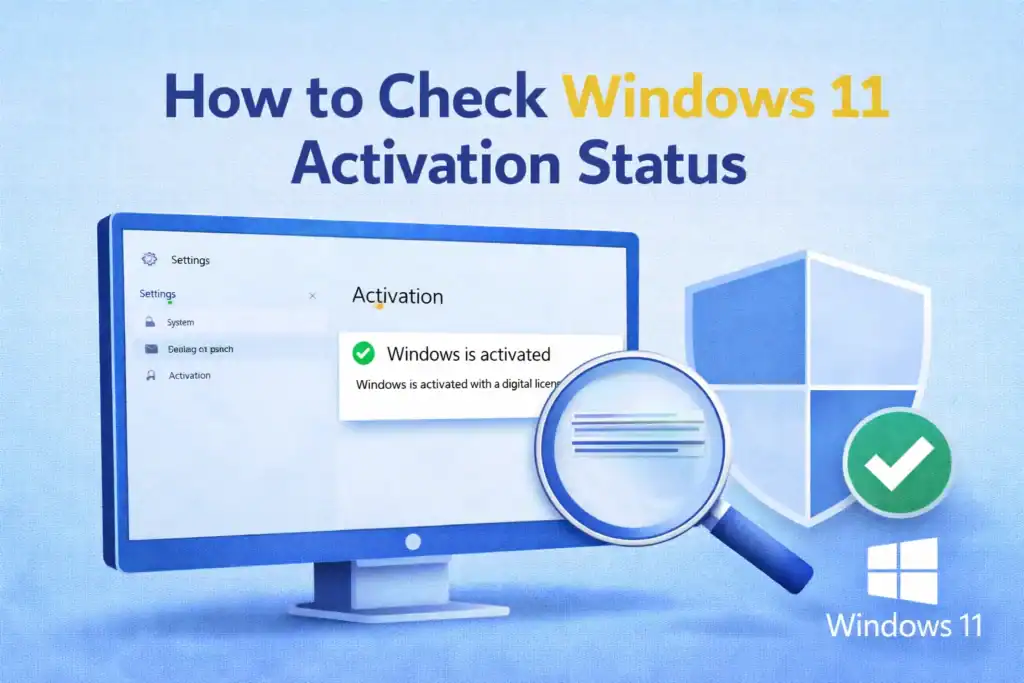
Windows 11 Activation Status is important to ensure your system operating system is genuine and fully functional with eligible for windows updates.any UN-activated copy of windows may show watermarks, very limit personalization features, can cause windows activation warnings.
Here you’ll Learn how to check windows 11 Activation status using simple and reliable steps.
Microsoft Windows 11 Activation Confirms that your Copy of Windows is Genuine and Licensed by Microsoft Corporation. Windows Activation Can help to unlock all features and Confirms that your system receives important security updates.
Steps:
You See the Following Status in windows Activation Menu:
This Method is vary useful if your windows settings in not accessible.
Steps:
slmgr /xpr
3. Press Enter, after Enter a Popup Will Show whether Windows is Permanently activated.
slmgr.vbs /dli
3. Press Enter
this shows license information and windows activation status.
Digital License Means Windows is Activated Without any product key. its linked to:
No. if your Windows system previously activated, Microsoft Windows 11 will Automatically reactivate after reset when Connected to the internet.
Checking Microsoft Windows 11 Activation is Quick and Help to ensure system runs vary smoothly or without any restrictions. Always use a genuine license to stay secure and receive original update from Microsoft.
the founder and CEO of pcnotfound.com. He is a professional computer hardware and software expert with over 8+ years of hands-on experience in troubleshooting, system repair, Windows issues, and technical diagnosis
We use cookies to improve your experience on our site. By using our site, you consent to cookies.
Manage your cookie preferences below:
Essential cookies enable basic functions and are necessary for the proper function of the website.
These cookies are needed for adding comments on this website.
Statistics cookies collect information anonymously. This information helps us understand how visitors use our website.
Google Analytics is a powerful tool that tracks and analyzes website traffic for informed marketing decisions.
Service URL: policies.google.com (opens in a new window)
SourceBuster is used by WooCommerce for order attribution based on user source.
You can find more information in our PRIVACY POLICY and PRIVACY POLICY.